Zero third-party dependencies
One test to
rule them all.
Every theme, every locale, every device and every text scale your app supports, rendered and compared by a single goldenTest call. Golden tests for Flutter, without the boilerplate.
$dart pub add golden_test --dev
- Your Flutter
- 3.47+golden_test 2.x3.19.6 – 3.46golden_test 1.x
- pub points
- 160/160
- License
- BSD-3
dart pub add picks the right line for your SDK.

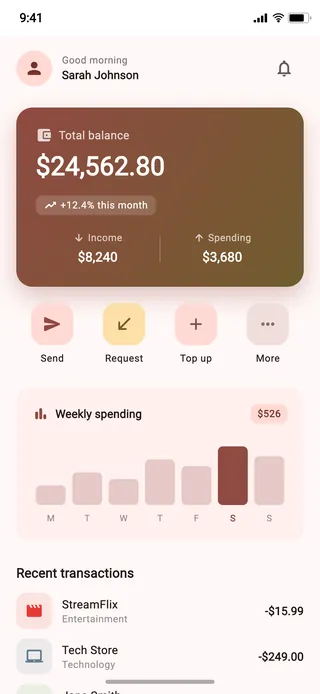

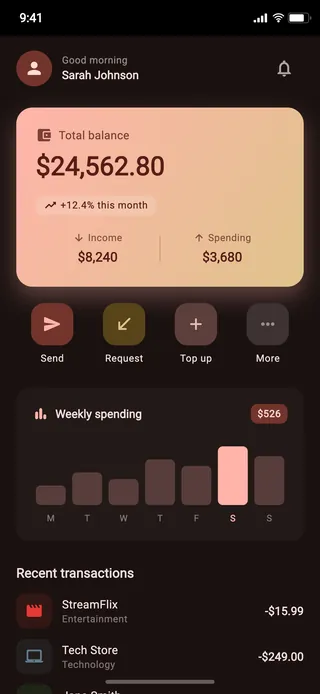

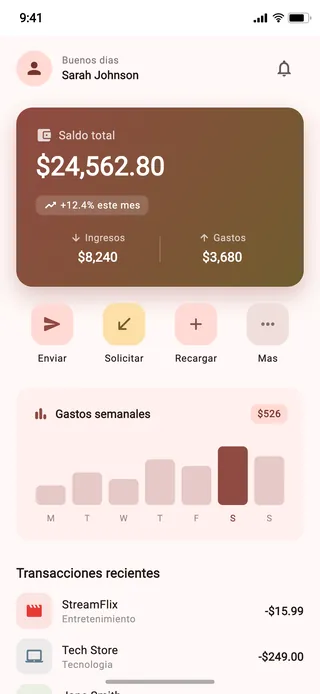

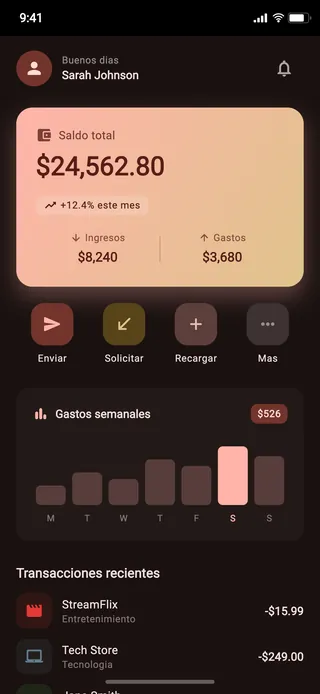

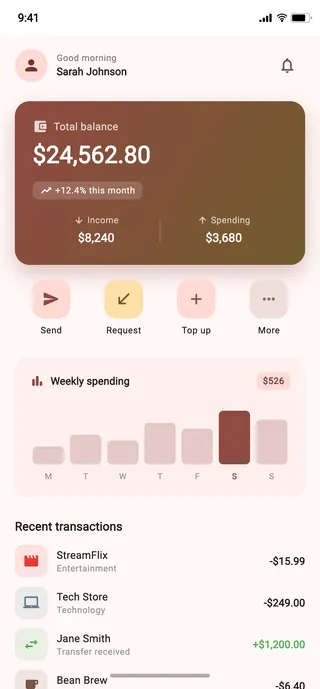

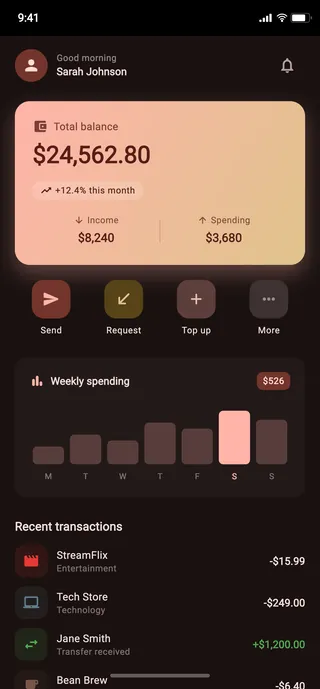

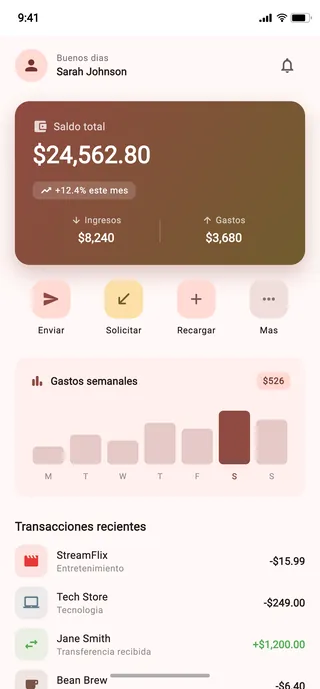

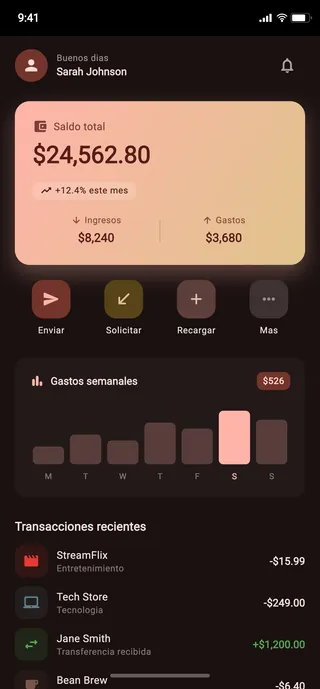

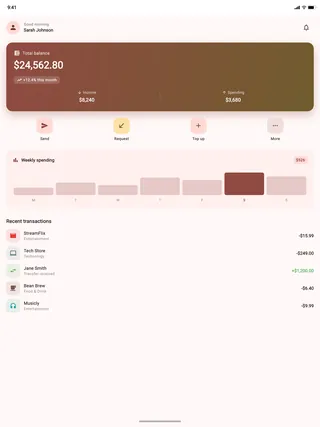

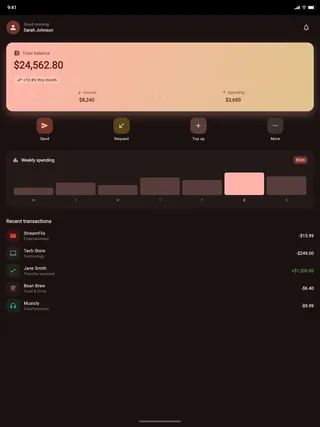

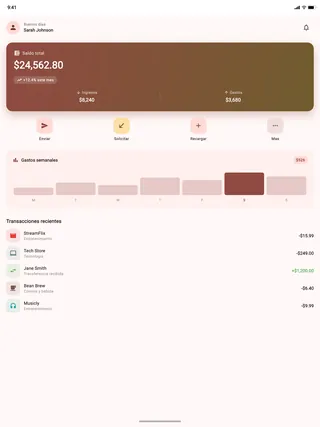

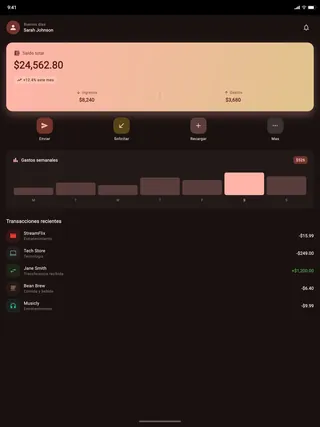
void main() {
  goldenTest(
    name: 'ExampleScreen',
    builder: (_) => const ExampleScreen(),
  );
}flutter_test_config.dart ↓
Runs like any other Flutter test.
golden_test is built on flutter_test, so there is nothing new to install or learn. Set your axes once, then run the command you already use.
-
Add the package
Flutter 3.47+ gets 2.x. Older Flutter, down to 3.19.6, gets 1.x.
$ dart pub add golden_test --dev -
Set your axes once
Light and dark are on by default. Any single test can override any axis.
test/flutter_test_config.dartFuture<void> testExecutable( FutureOr<void> Function() testMain, ) async { goldenTestSupportedLocales = const [ Locale('en'), Locale('es'), ]; goldenTestDefaultDevices = const [ Device.iphone15Pro(), Device.pixel9ProXL(), Device.ipadPro12(), ]; return testMain(); } -
Run it
Renders every variant and compares it with the golden on disk. One changed pixel fails the test.
$ flutter test
00:00 +0: loading test/example_screen_test.dart
00:04 +12: All tests passed!
- goldens/en/light/iphone 15 pro/ExampleScreen.pngmatches
- goldens/en/light/pixel 9 pro xl/ExampleScreen.pngmatches
- goldens/en/light/ipad pro 12/ExampleScreen.pngmatches
- goldens/en/dark/iphone 15 pro/ExampleScreen.pngmatches
- 8 more in test/goldens/match
Every axis is one parameter.
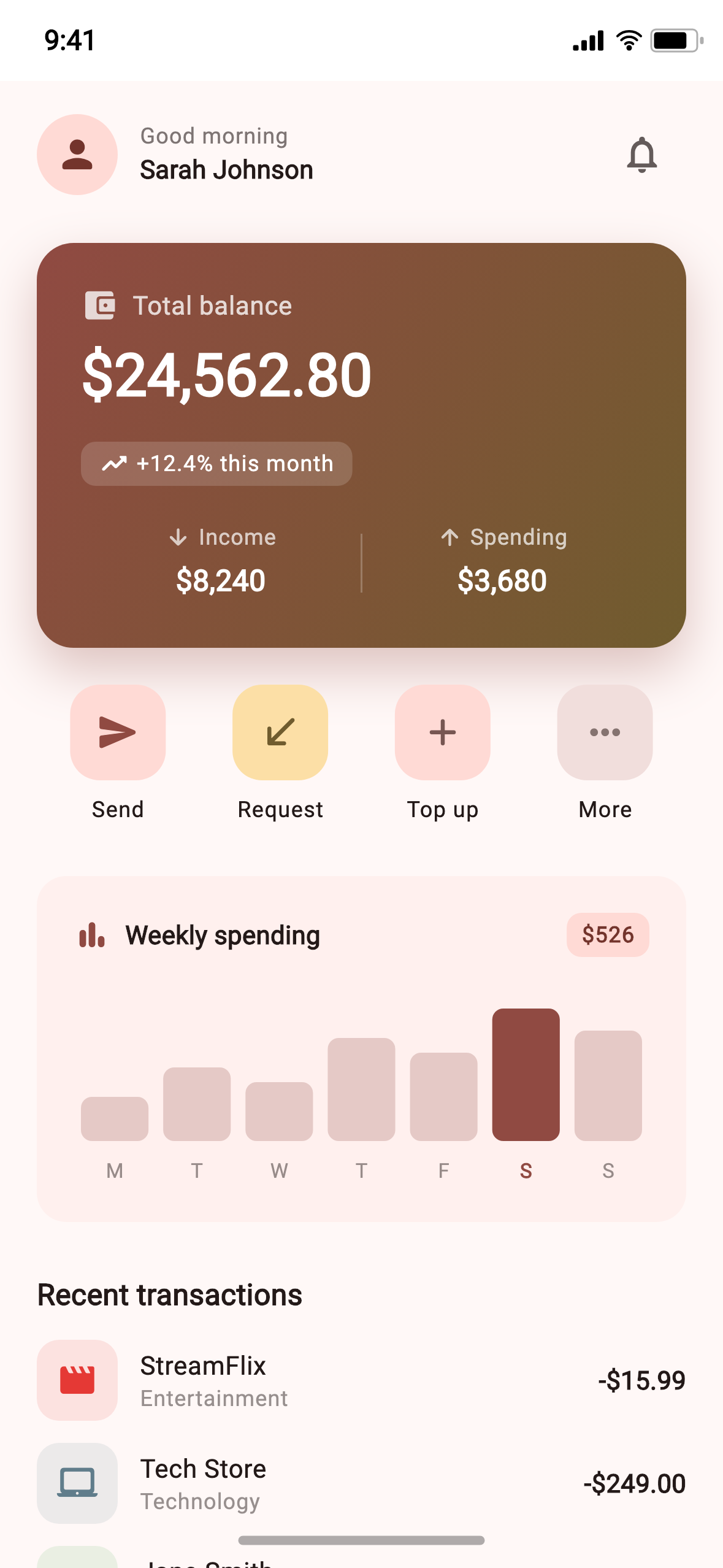
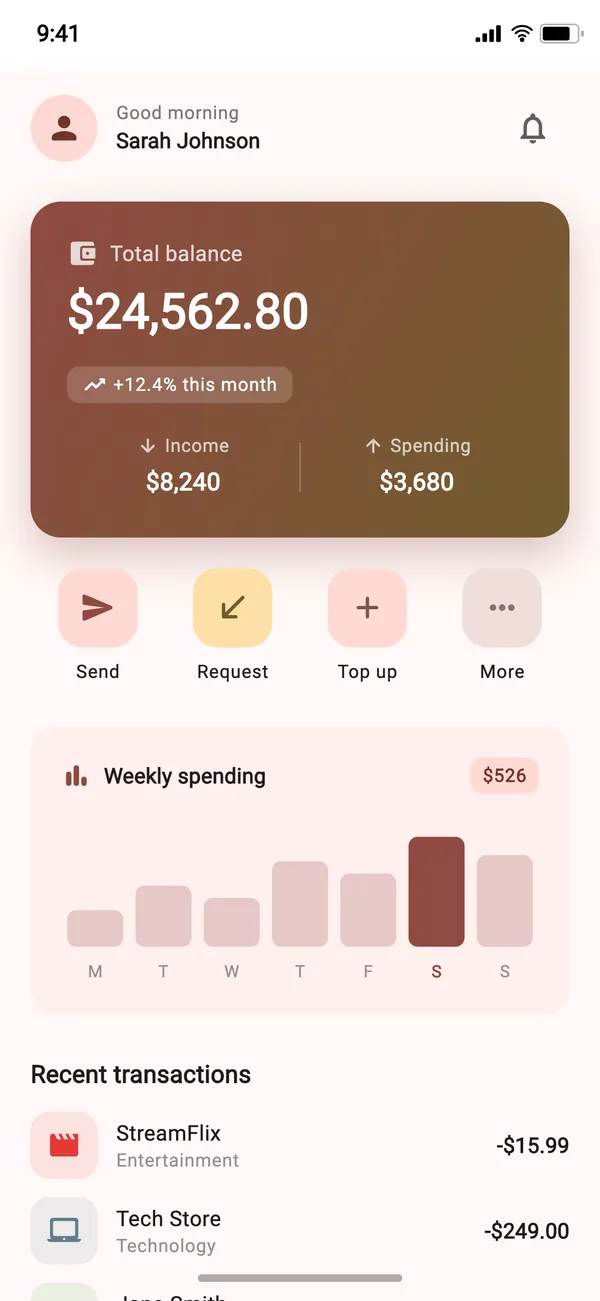
Pick the axes below. The call on the left is the test, and the images on the right are the files it writes, at the paths it writes them to. Every image was rendered by golden_test from the example app.
At 2.0× the example app breaks, and the test fails with Flutter's own error: A RenderFlex overflowed by 8.0 pixels on the bottom. The golden is still written, so you can see exactly what broke.
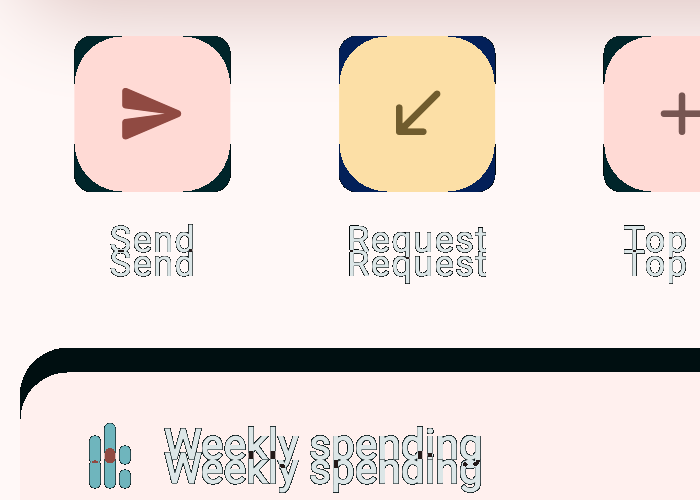
A two-line commit moved 195,150 pixels.
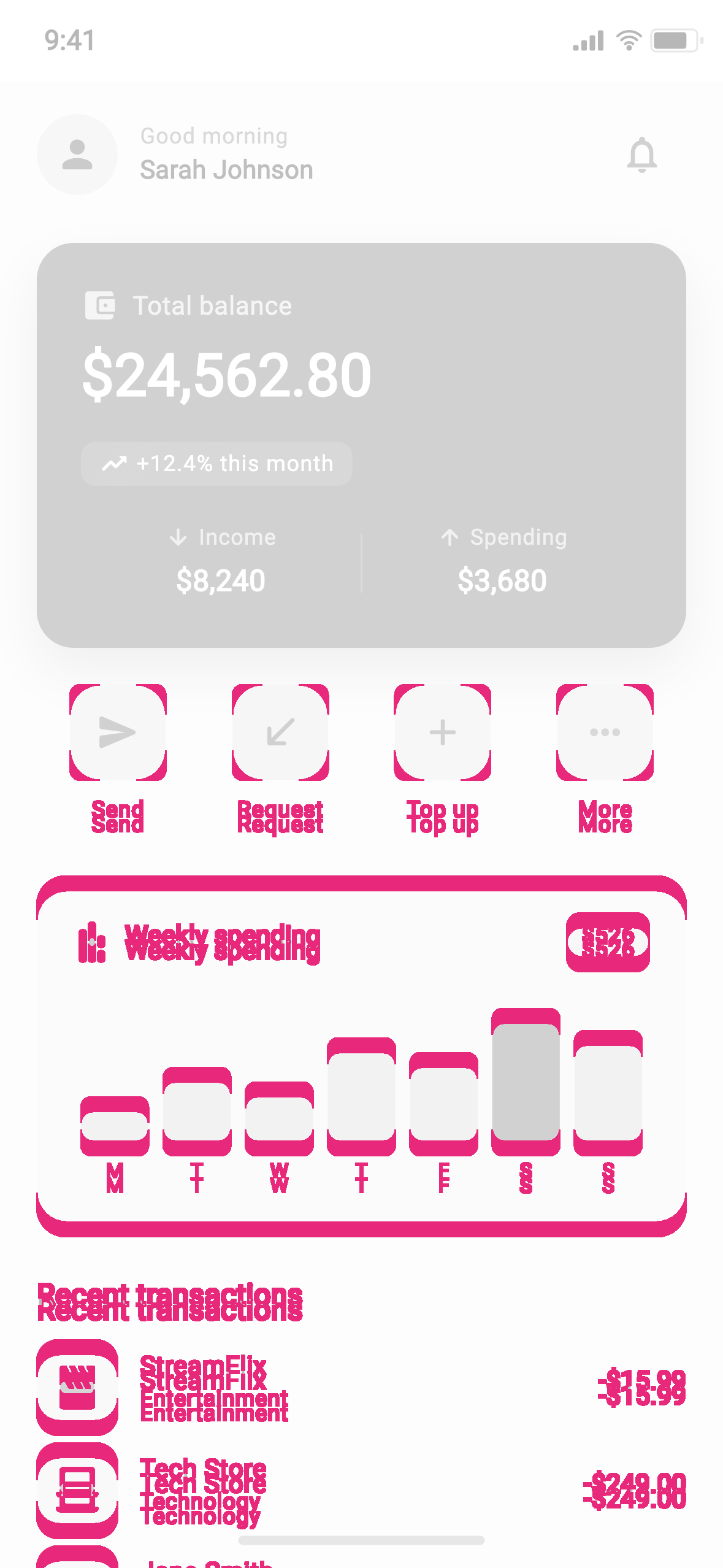
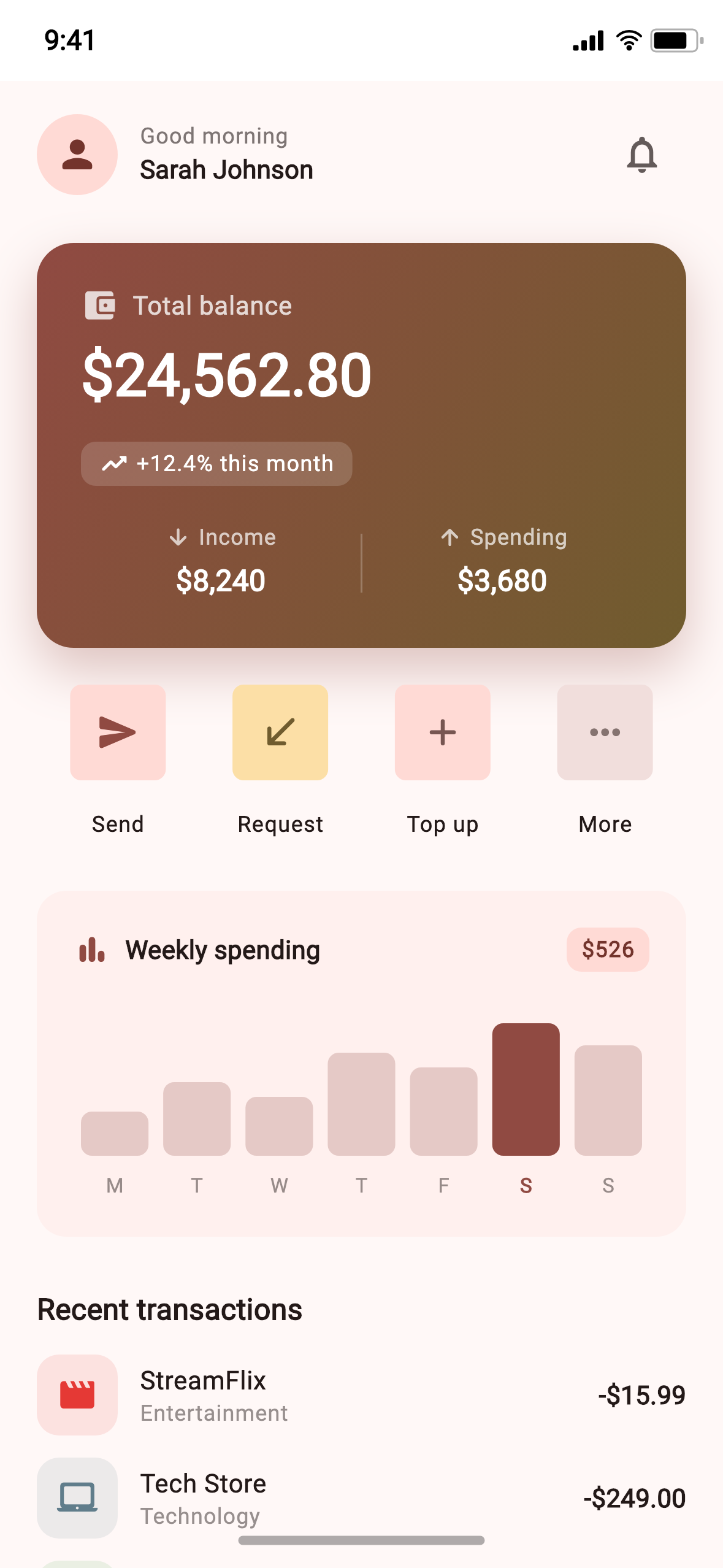
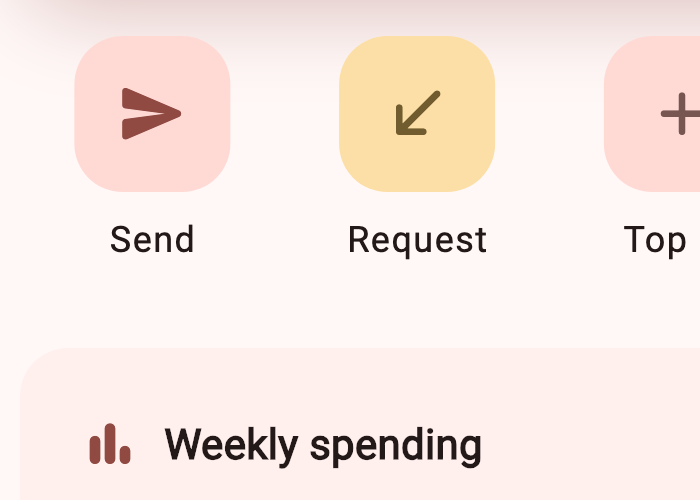
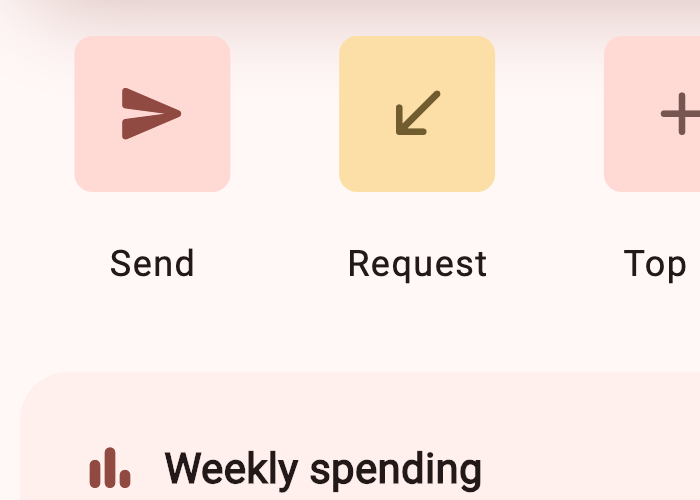
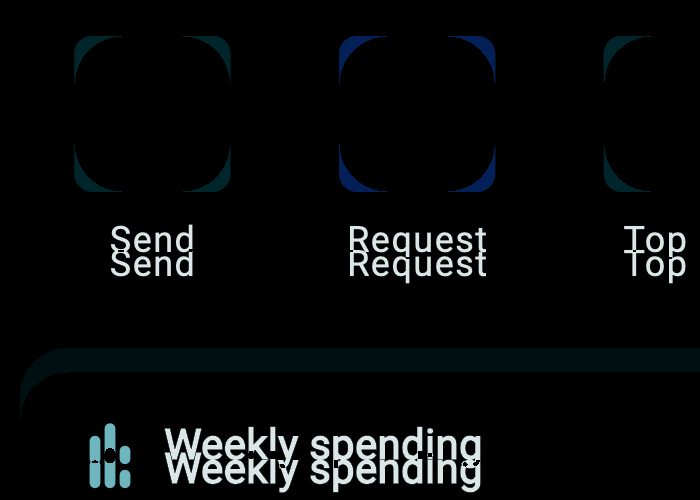
The two lines changed values in the quick actions: a corner radius from 16 to 6 and a gap from 8 to 16. Code review shows two lines with no picture attached. The golden shows every pixel they moved. Compare the two renders side by side, with a swipe, or as an onion skin.
What the test prints
00:02 +0 -1: ExampleScreen [E]
  Golden "goldens/en/light/iphone%2015%20pro/ExampleScreen.png": Pixel test failed, 6.48%, 195150px diff detected.
  Failure feedback can be found at test/goldens/en/light/iphone 15 pro/failures
What it writes to failures/ (cropped, 1:1 pixels)
Large text breaks layouts. Drag to find where.
Every stop on the slider is a real golden of the example app at that text scale, using the platform presets golden_test ships. The screen holds up to 1.5×. From the first iOS accessibility size it starts to overflow.
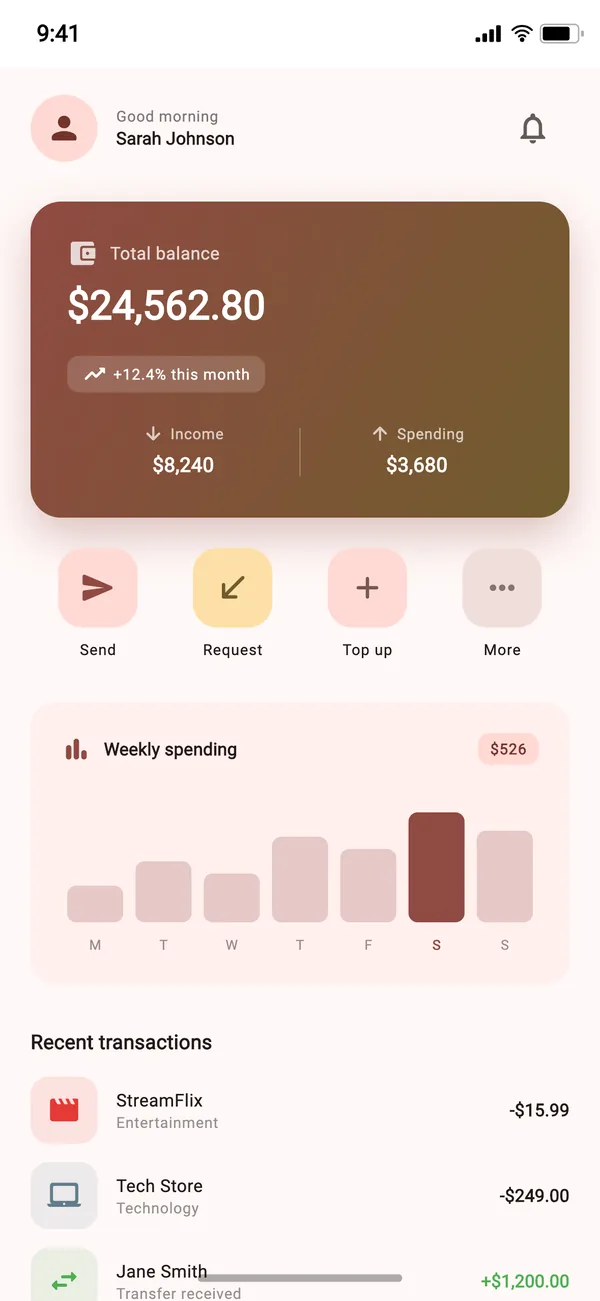
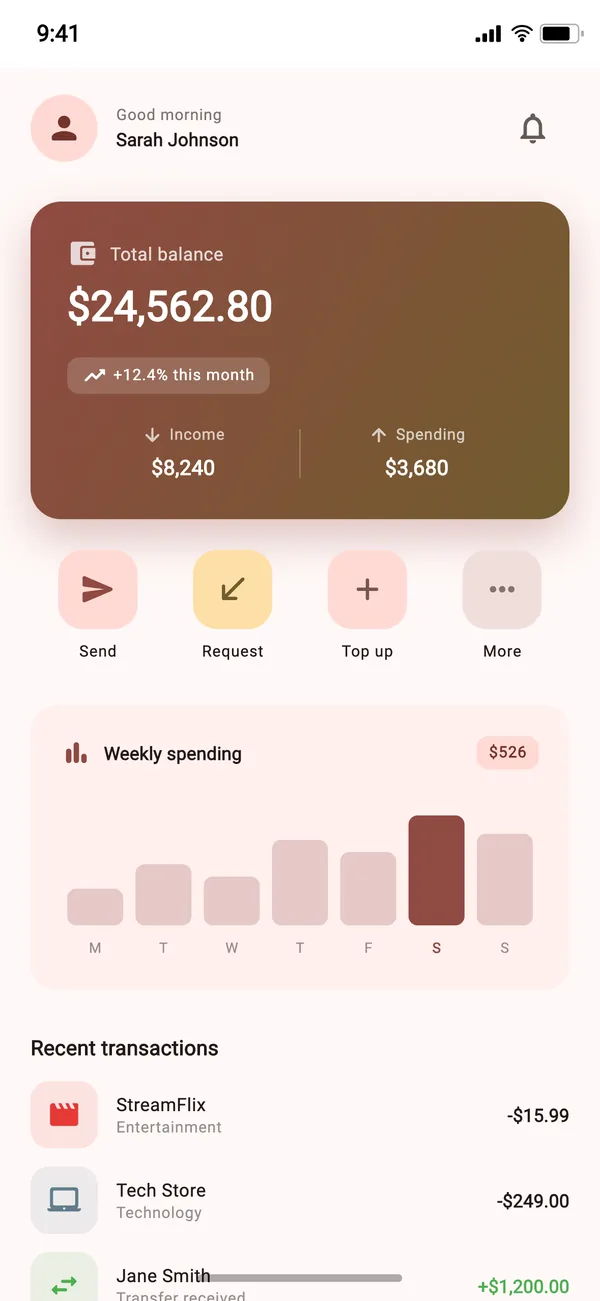
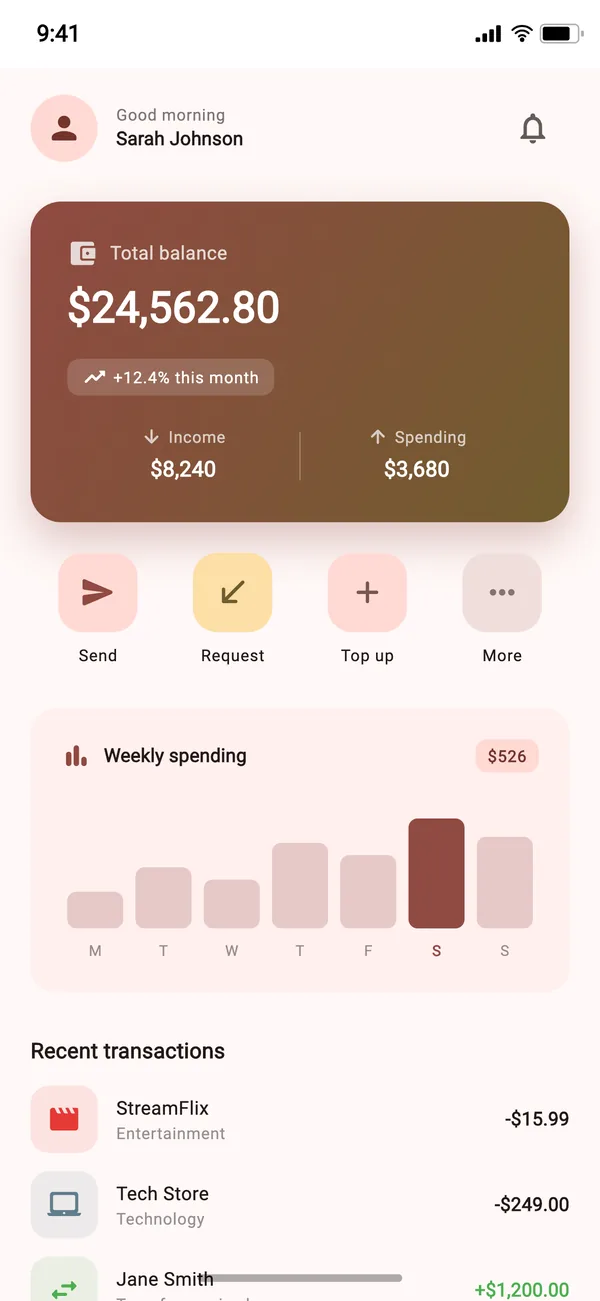
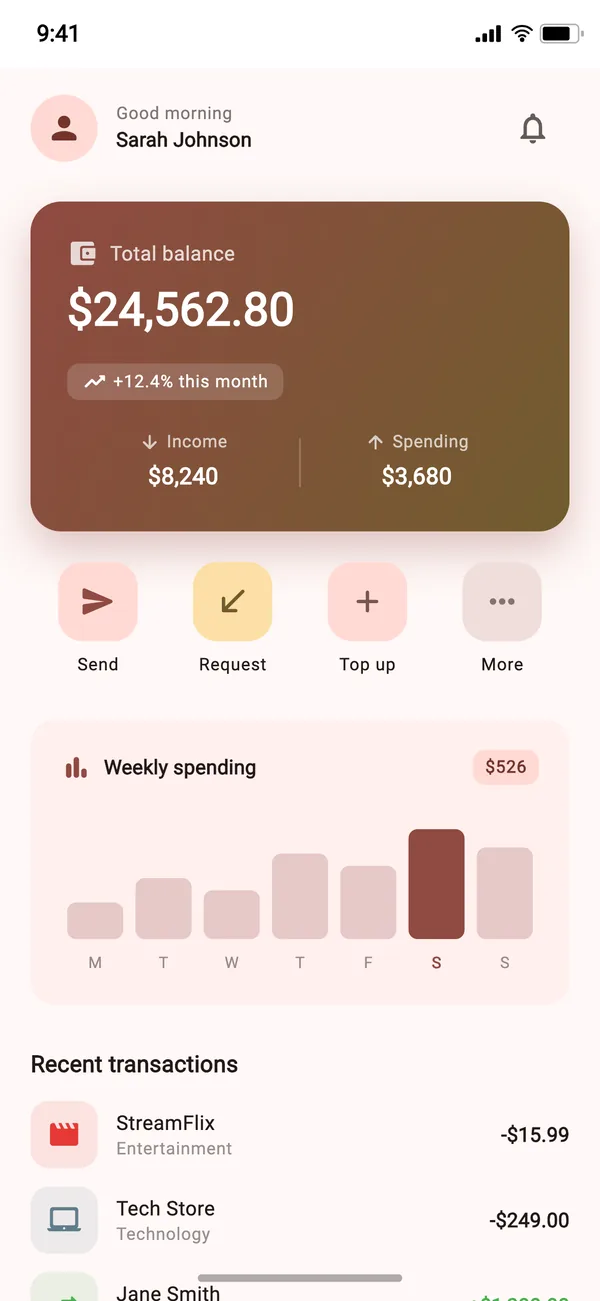
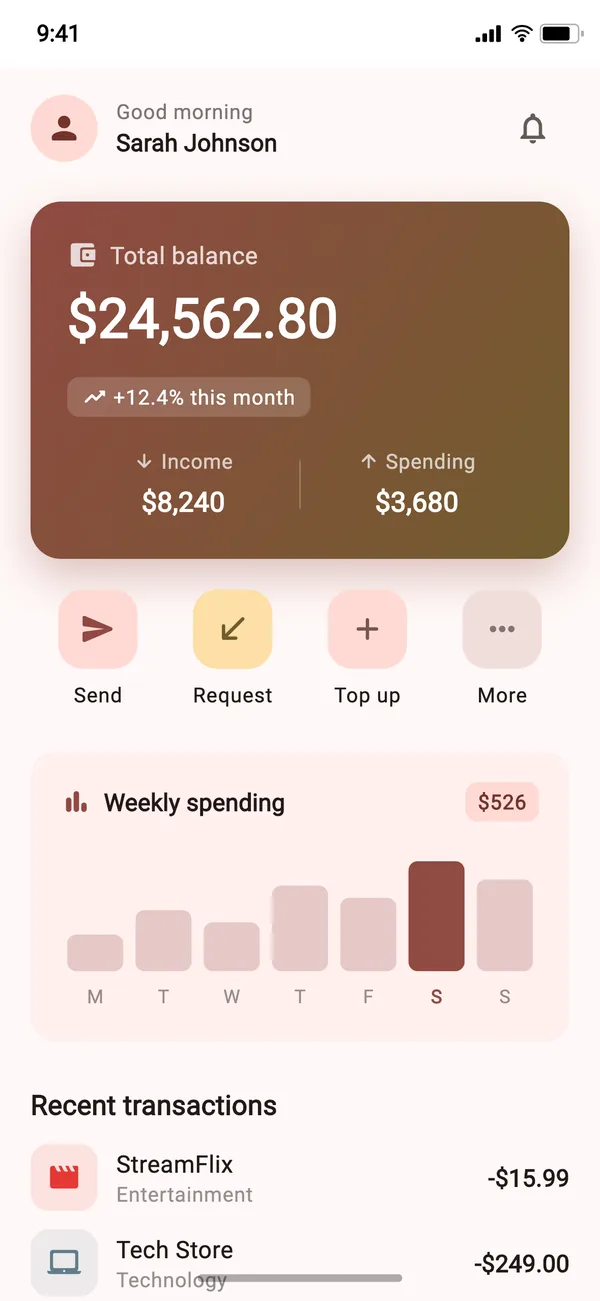
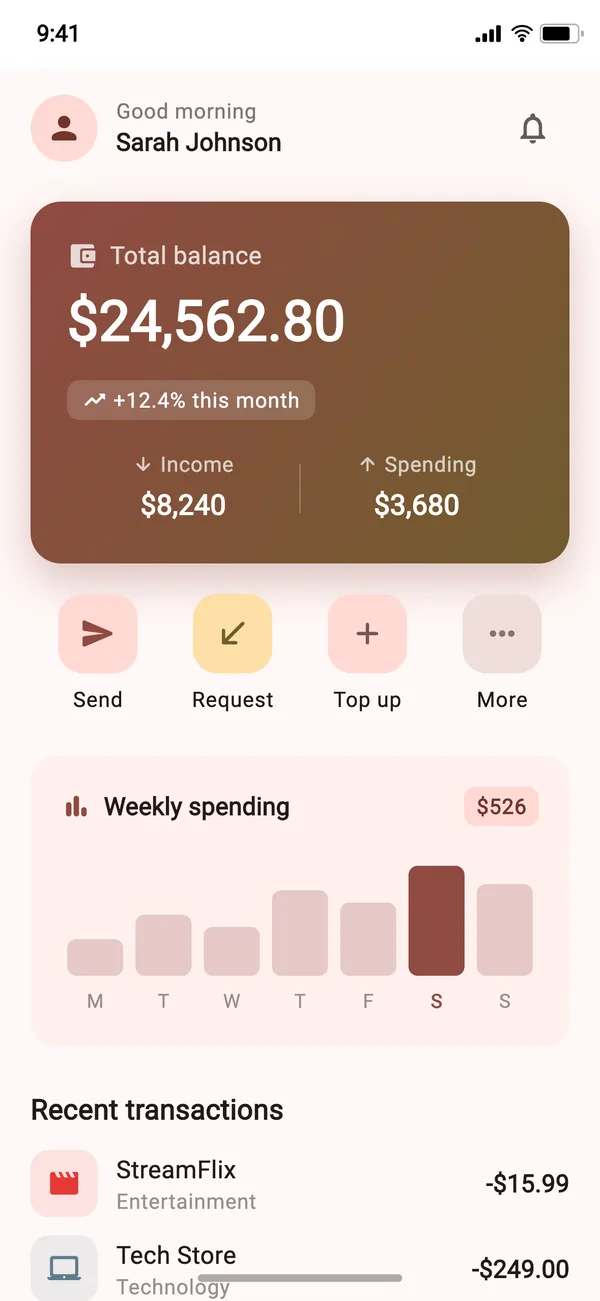
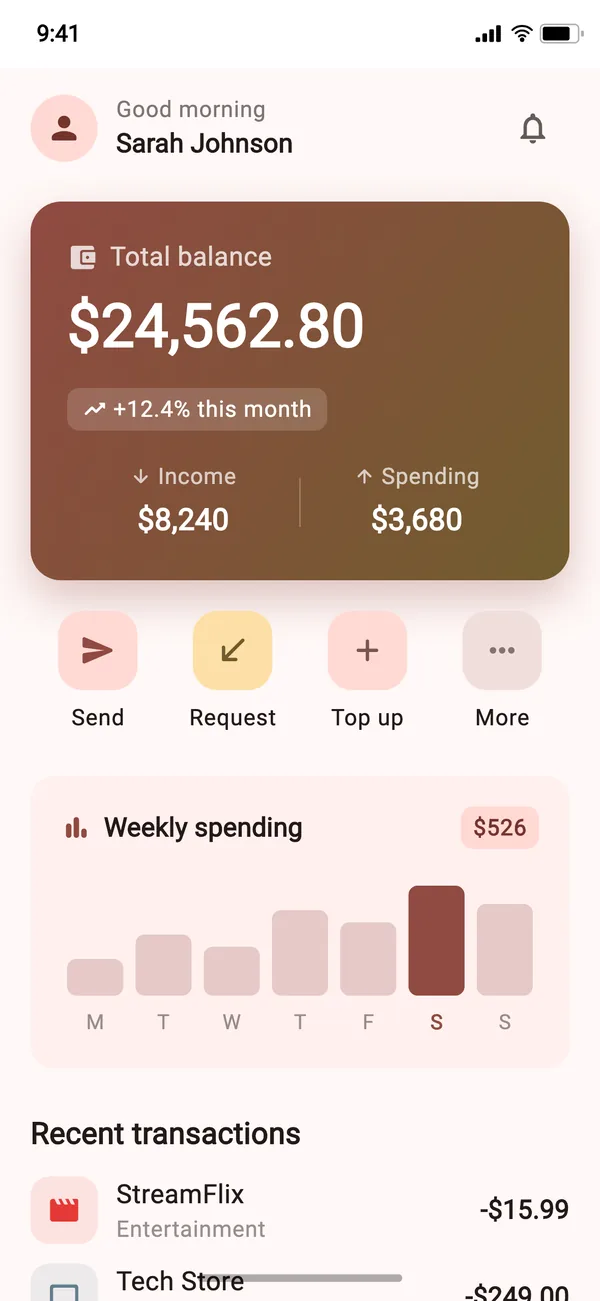
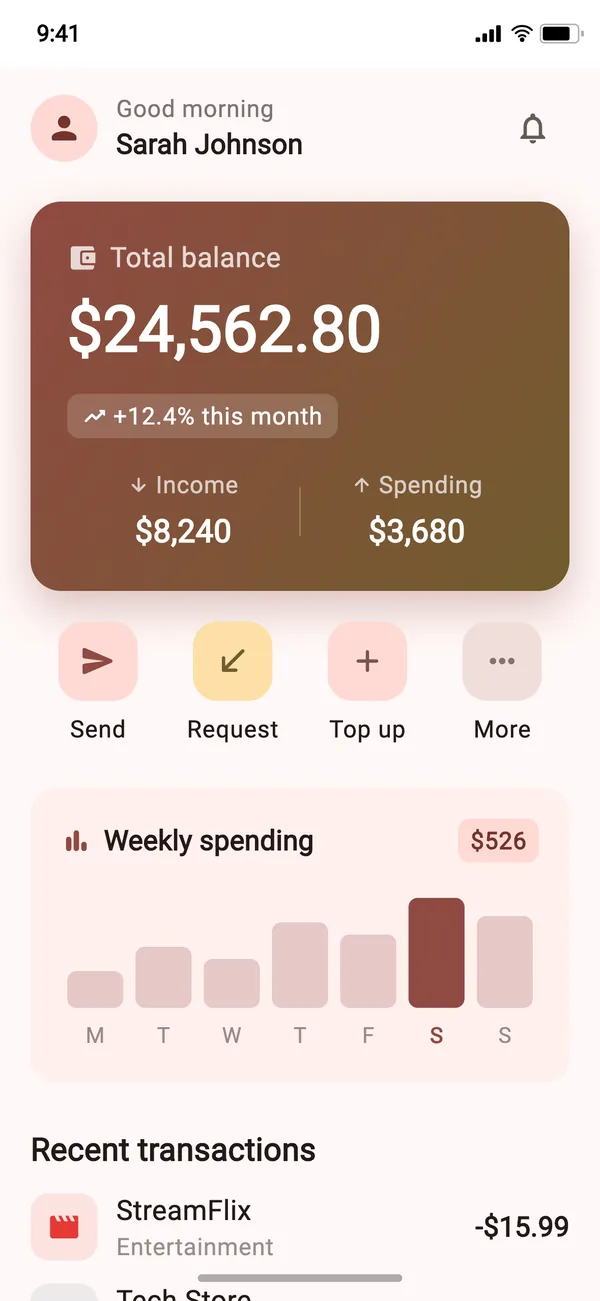
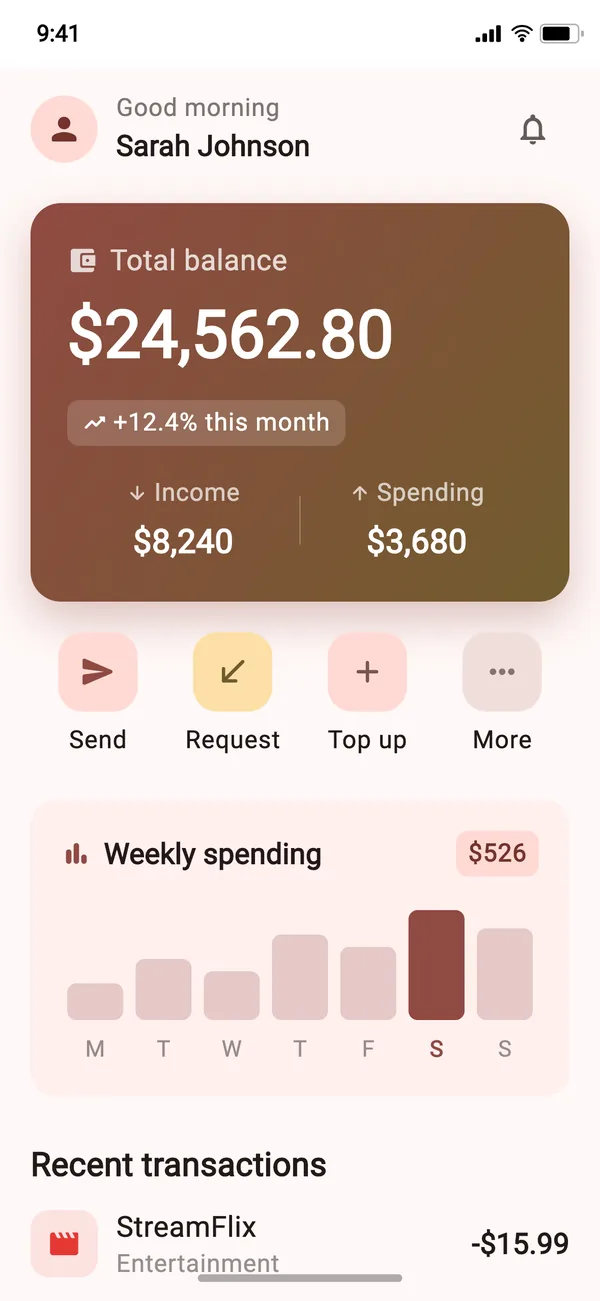
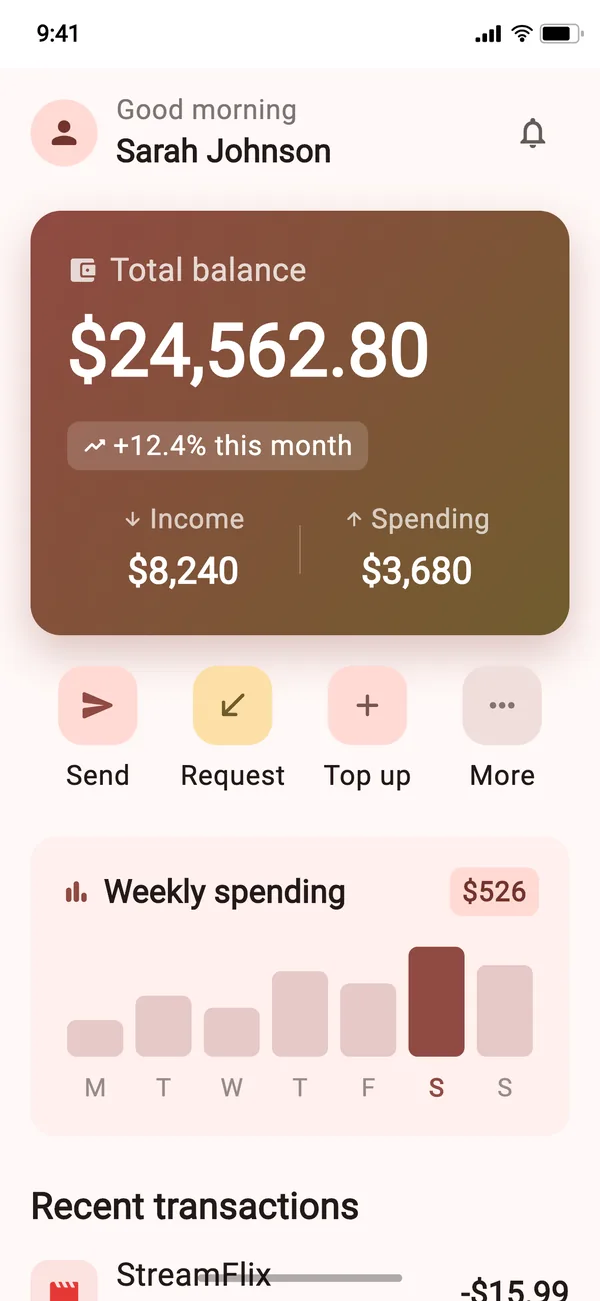
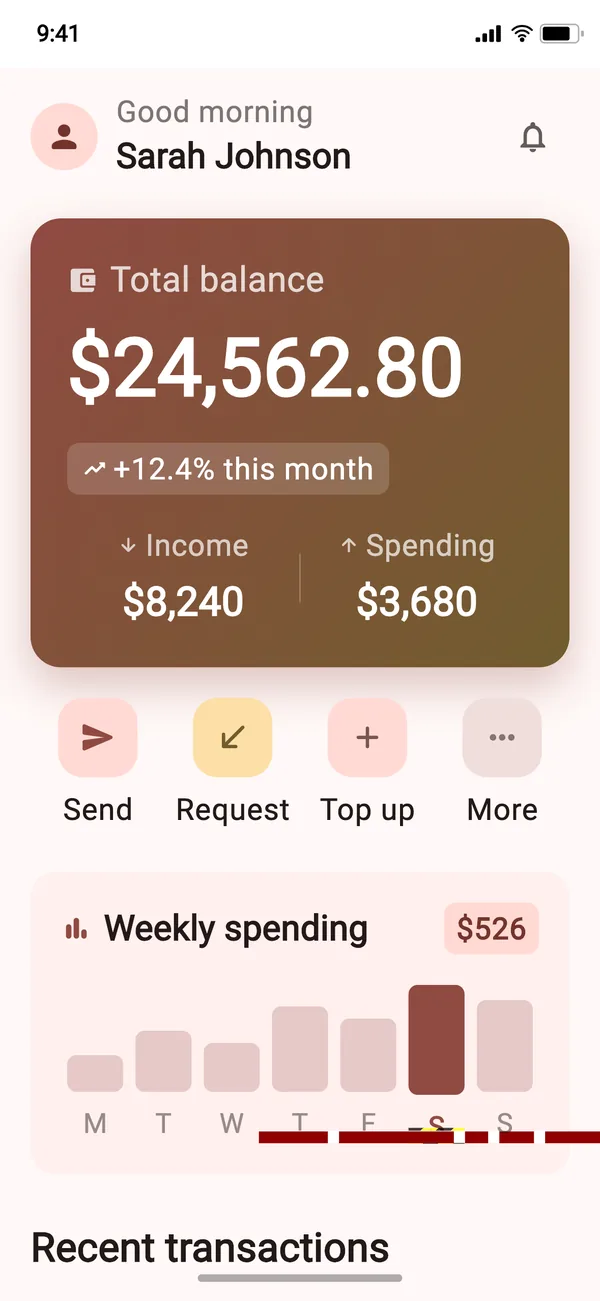
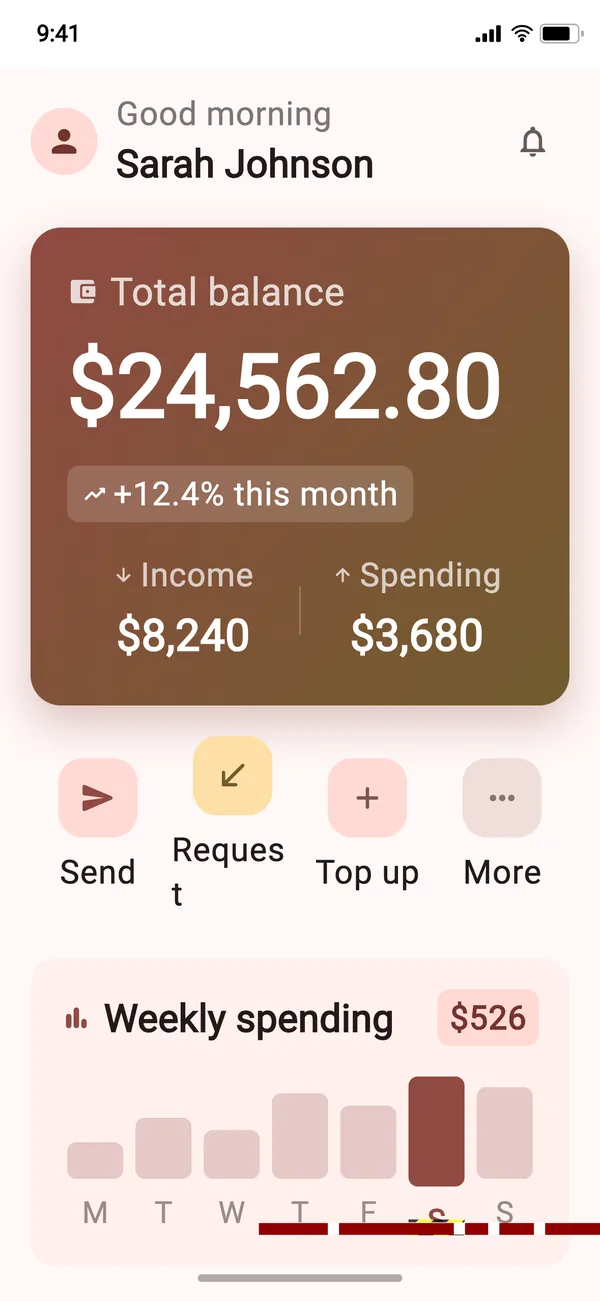
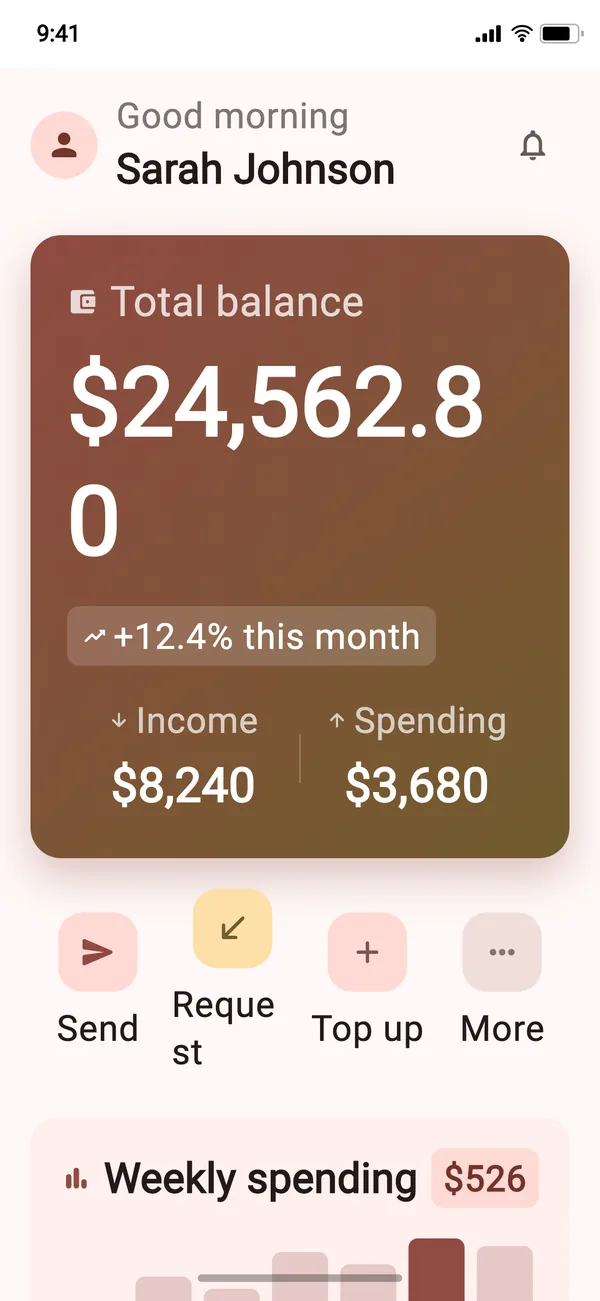
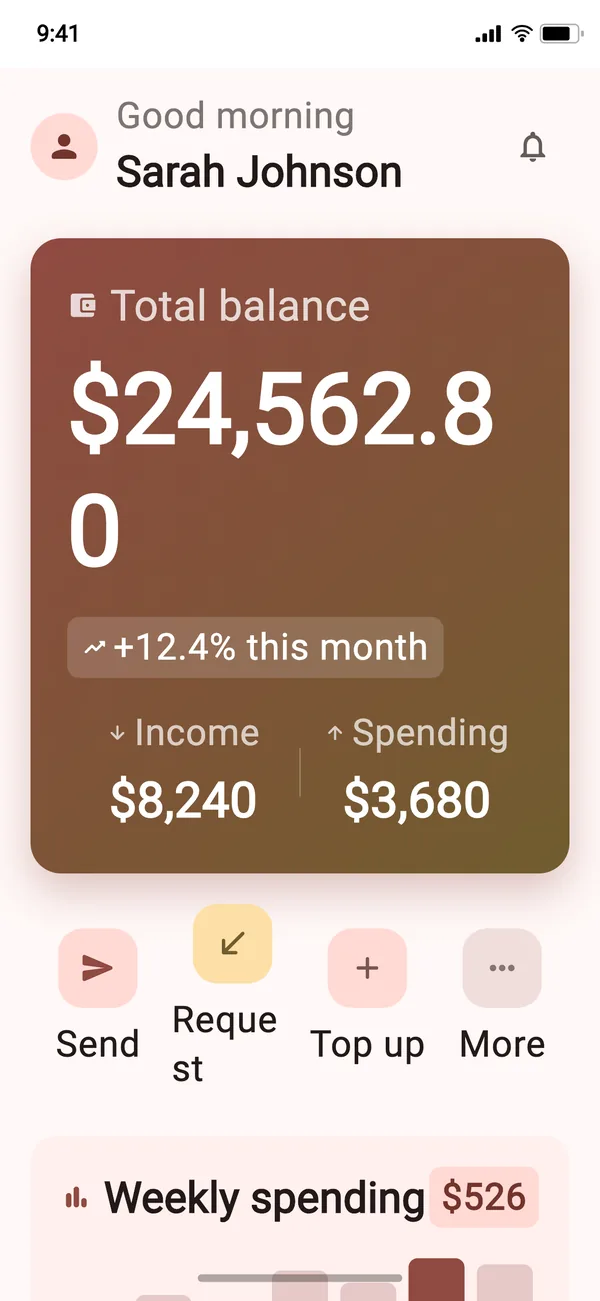
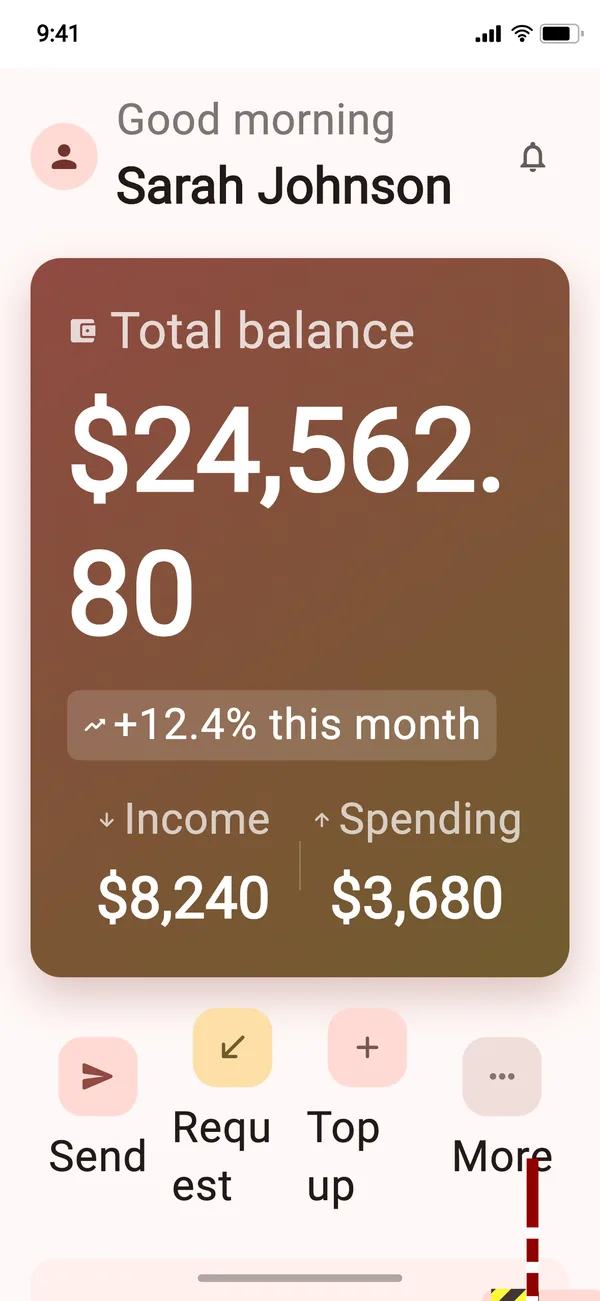
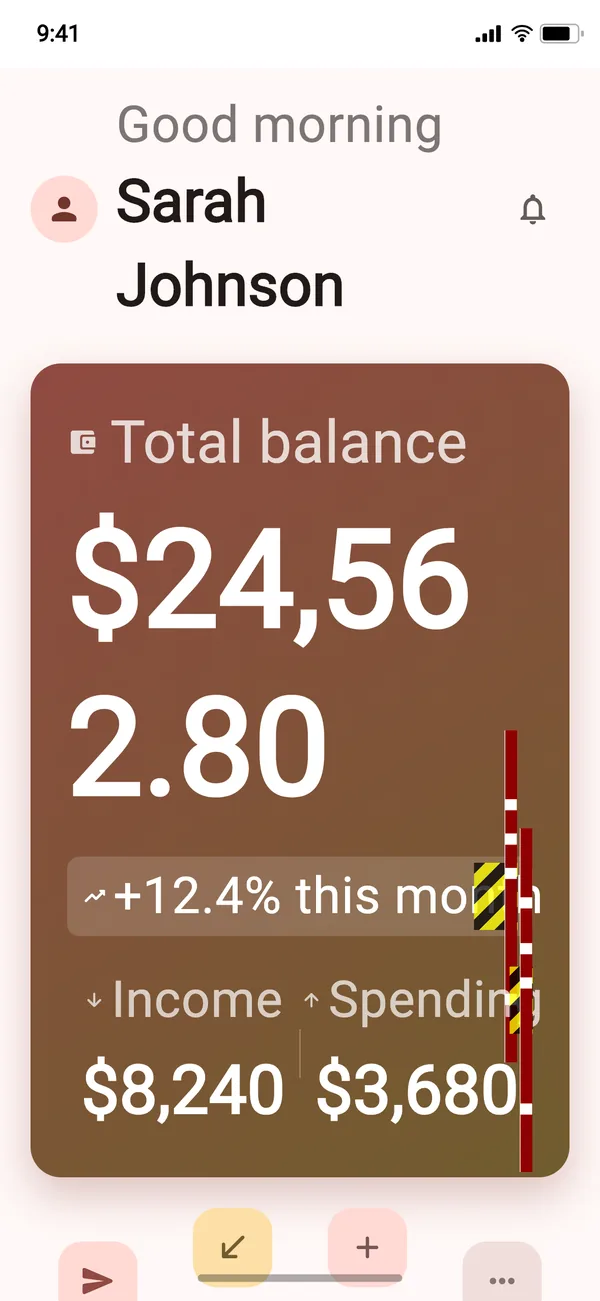
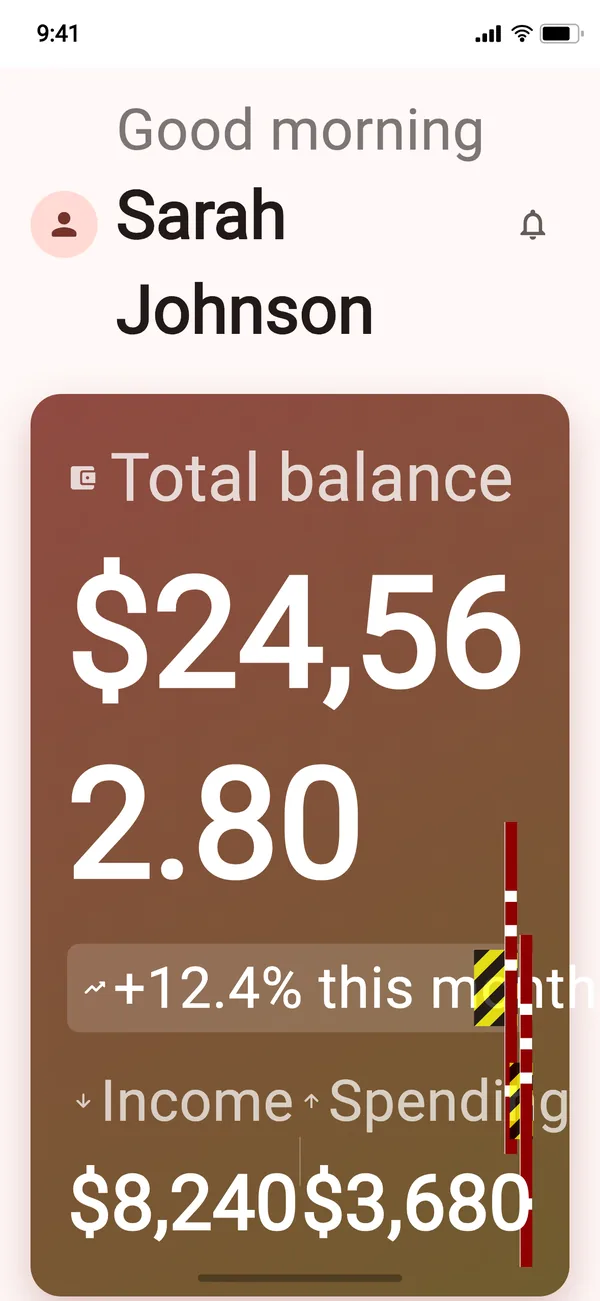
AndroidFontScaleIosDynamicTypeScalesupportedTextScales: [
1.0,
...iosAccessibilityTextScalePresets,
],Your coding agent can write these.
golden_test ships three Agent Skills. They teach an agent to wire flutter_test_config.dart to your real themes and fonts, pick the axes worth their cost, and read a failing golden before reaching for --update-goldens.
$dart run skills@ get
golden_test-setupOne-time setup: the dependency and a
flutter_test_config.dartwired to your app's themes, locales and fonts.golden_test-widgetGoldens for widgets and design-system components in isolation.
golden_test-routeGoldens for full screens: loading, success, error, empty, scrolled, and the states only your app has.
Also in the box.
- Network images, stubbed
Image.networkand every otherNetworkImageresolve to a visible placeholder, so goldens never wait on a network.- CachedNetworkImage
- The companion package
golden_test_cached_network_imagestops it from hanging your tests. - Difference tolerance
goldenTestDifferenceTolerance(0.05)absorbs anti-aliasing drift between machines. Keep it at 0 until you have measured that drift.- Your own devices
Devicetakes a name, size, pixel ratio and safe-area insets, so any screen you ship to can be an axis.- Pushed routes
simulateRouteStackrenders a screen as if it was pushed, back button included.- Folders per app
subdirectory: 'design_system/v2'keeps goldens for each app or package apart.